
DICOM Tools
Inspect a DICOM study, convert it to NIfTI, PNG or MP4, and validate DICOM objects.
Whole body0 sections
UTIL· image-2d
Align two series or studies: rigid, affine or deformable transforms with resampled images and QA.
This model is not available to run yet. Vote to show interest and get an email when it opens.
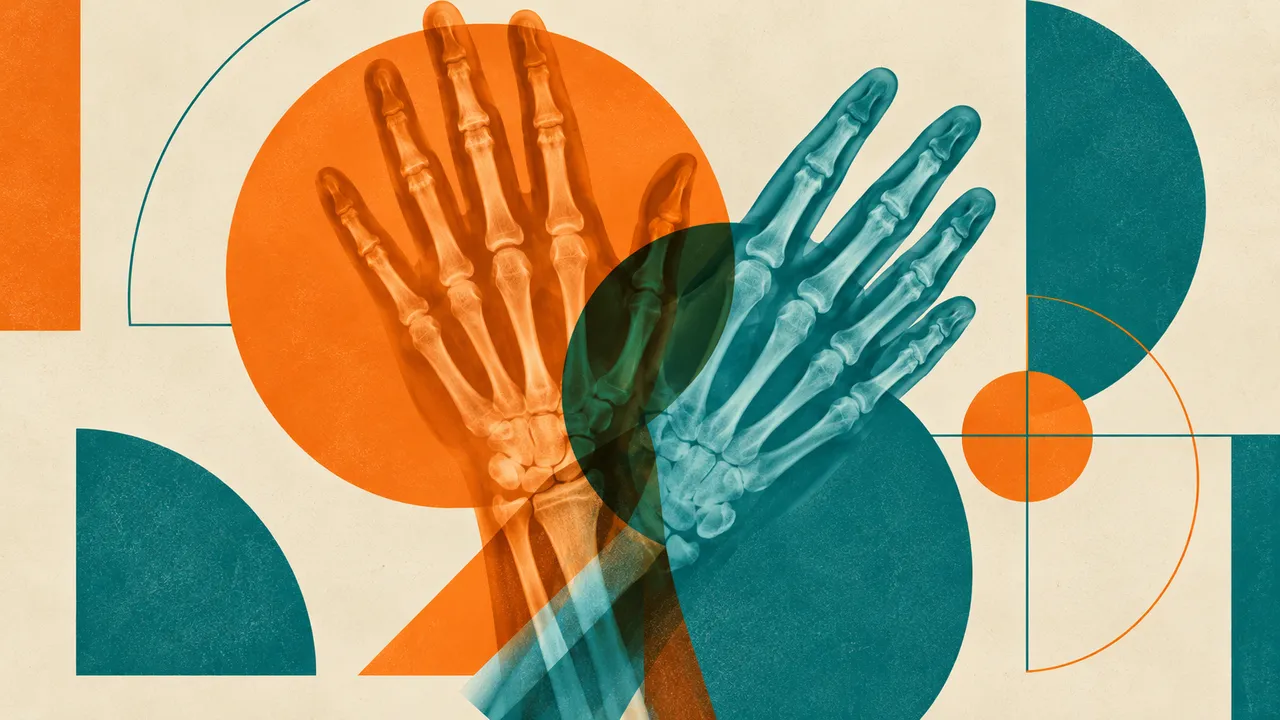
Image Registration aligns two images: a fixed one and a moving one, from the same or different modalities. It is the step behind every follow-up comparison, from oncology restaging to brain MRI follow-up and prior chest CT, and behind multi-modal fusion such as MR on CT.
The default run computes a rigid or affine transform, the safe choice for most comparisons. Deformable registration is opt-in and returns a displacement field with a folding check. Each run also returns the moving image resampled onto the fixed one, because few PACS display registration objects on their own.
Technical support for comparison and fusion: putting a prior study in the same space as the current one, fusing a second modality for review or planning, and propagating regions of interest from one time point to the next. A deformable field can hide real growth if it is used naively to measure change, so rigid or affine alignment is the default and deformable registration is chosen deliberately.
Radiologists and oncologists comparing studies over time, radiotherapy and nuclear-medicine teams fusing modalities, researchers running longitudinal analyses, and developers who need alignment inside their own pipelines.
files and a prior in prior_files, for the longitudinal tool below.| Requirement | Why |
|---|---|
| Correct spacing, position and orientation in both images | The transform is computed in patient space |
| Overlapping anatomy | Registration needs shared structures to match |
| Similar phase for deformable runs | Different contrast phases or breathing states can be mistaken for deformation |
Different fields of view between studies and large anatomical change after surgery or weight loss lower registration quality; the quality checks report it.
options.transform selects rigid, affine or deformable. Without it, the run is rigid or affine.
One result per pair: the transform, the resampled moving image and quality checks.
| Section | Content |
|---|---|
| Rigid and affine registration | Rigid or affine transform and the moving image resampled onto the fixed one |
| Deformable registration | Displacement field, warped image and a Jacobian-based folding check |
utils/register/align: the pairwise run described on this page.utils/register/longitudinal: current and prior study in, matched series pairs out, aligned along the body axis by
body-part score, registered rigidly and optionally deformably; the transform comes as DICOM REG and propagated masks and regions of
interest as SEG.The folding check reports where the Jacobian determinant of the displacement field is zero or negative, that is, where the deformation folds tissue onto itself; such regions are flagged so that change is not measured there.
One run returns every section its input supports.
DICOM Tools
Inspect a DICOM study, convert it to NIfTI, PNG or MP4, and validate DICOM objects.
3D Export & Quantification
Turn segmentations into STL and OBJ meshes, 3D renders and rotating videos, and volume measurements.